Connect Zapier, Make or your own scripts
Create an API key so an automation tool can subscribe to your event's webhooks and read sample data, and revoke it when you are done.
Zapier, Make, n8n and your own scripts connect to evenclo with an API key. With a key, the tool can subscribe itself to the events it needs — a new registration, a check-in, a lead — without you pasting webhook addresses by hand.
Everything a tool subscribes to arrives through the same signed webhooks you can see on the Webhooks page.
Create a key
- Open Webhooks in the sidebar.
- Under Connect Zapier, Make or your own scripts, type what the key is for, such as "Zapier", and press Create a key.
- Copy the key straight away and paste it into the tool.
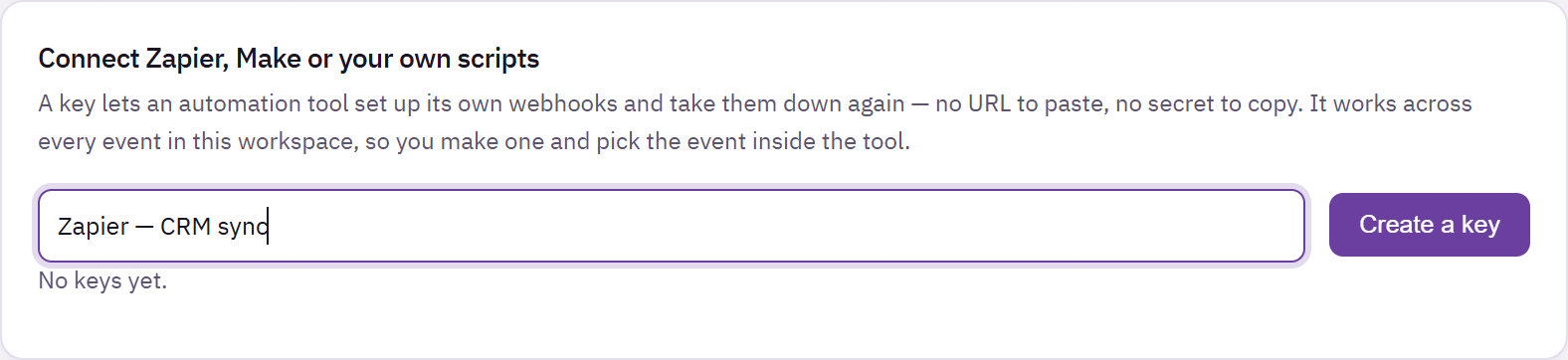
Webhooks page with the API key section, a named key and the Create a key button
The key is shown once and never again. evenclo keeps only a scrambled copy, so it cannot show it to you later. If you lose it, create a new one and revoke the old.
Each key has a visible prefix so you can tell two keys apart in the list.
What a tool can do with it
- Subscribe and unsubscribe to any webhook topic for an event. Subscriptions appear in Your webhooks like the ones you add yourself.
- Read a sample of each topic, so a tool like Zapier has realistic fields to map before your event produces real data.
The key belongs to your workspace and names the event it is working with, so one key can serve several events.
Revoke a key
Press Revoke next to the key. Every webhook the tool subscribed to with that key is removed at the same time — revoking a key disconnects the integration completely, rather than leaving hooks firing into a tool nobody owns.
Common problems
Zapier's test step shows no data. It reads the sample for the topic, which is always available. Check that the key was pasted in full.
Deliveries stopped. Somebody revoked the key, or the tool turned its own subscription off. Check Your webhooks.
What happens next
more in developers
- Send your event data to another systemPoint evenclo at a URL and we will POST every registration, check-in, lead and survey answer to it as it happens — into your CRM, into Zapier, or into anything that accepts a web request.
- Webhook payloads and signaturesThe reference for whoever is building the receiving end — headers, the signature check, and the exact JSON for each topic.