Sign in with single sign-on (SSO)
Let your team sign in with your company's Okta, Microsoft Entra or Google account, and how SSO is set up for a workspace.
With single sign-on, your team signs in to evenclo with the same company account they use for everything else — Okta, Microsoft Entra, Google Workspace, or any SAML or OpenID Connect provider. When someone leaves your company and IT disables their account, they can no longer sign in to evenclo either.
Signing in
- On the sign-in page, press Use single sign-on.
- Type your Work email and press Continue.
- Sign in with your company account as usual. You land in the evenclo dashboard.
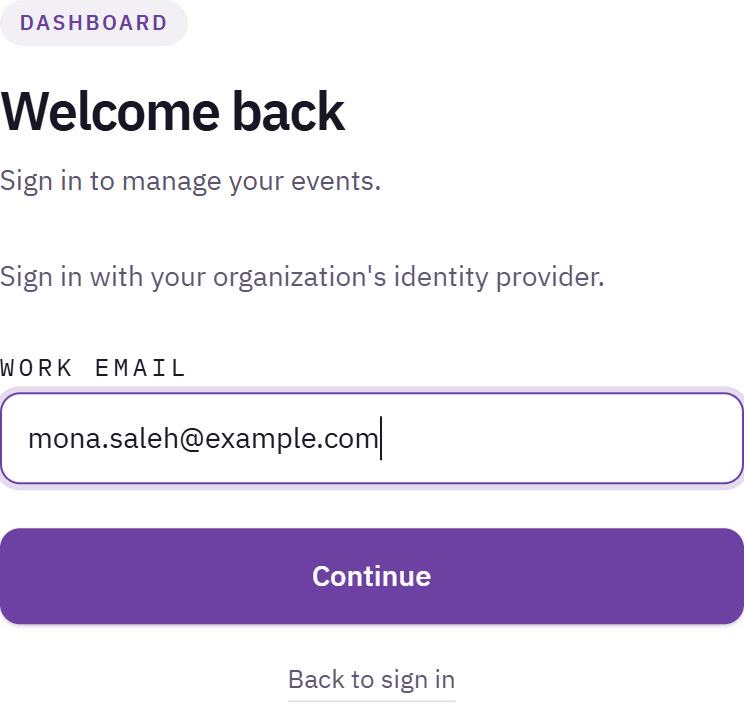
Sign-in page showing the single sign-on box with the work email field
Signing in with your company account counts as the second step, so you are not asked for a two-step code.
Setting it up
SSO is connected for your workspace by evenclo, not from the dashboard. To set it up, contact evenclo with:
- the email domain your team uses, such as
example.com; - which provider you use.
We send your IT team a link to connect the provider on their side.
Who can sign in with SSO
SSO does not create accounts. A person can only sign in if they already have an evenclo account in your workspace, created by inviting them to your team. This keeps the invitation the only way into your workspace, and keeps roles under your control.
Making SSO the only way in
A workspace can require SSO for its email domain. Password sign-in is then refused for that domain — except for owners, so that if your identity provider is down, an owner can still get in.
Common problems
"We couldn't match that email to a single sign-on setup." SSO is not connected for that email domain, or you typed a personal address. Use your work email, or sign in with your password.
"There is no evenclo account for that address yet." Your company signed you in, but you have not been invited to the workspace. Ask an owner to invite you with that exact email address.
What happens next
more in getting started
- What evenclo is, and how it is organizedHow your workspace, your events and your event subdomains fit together — worth five minutes before you build anything.
- Sign in to evencloWhere to sign in, and what to do when the page sends you straight back to the login screen.
- Sign in with two-step verificationOwners and admins confirm each sign-in with a 6-digit code from an authenticator app. How to set it up, and what to do if you lose your phone.
- Reset your passwordSend yourself a reset link from the sign-in page when you cannot get in.