Help center / Abstracts & submissions
Run a judged case competition
Set a running order, let judges score each presentation from their phones with a shared clock, and rank the prize winners.
A competition block is a judged session: finalists present one after another, judges score each one on their phone, and the scores decide the prizes.
Set up a block
- Open Submissions and go to the Competition tab.
- Press + New block and name it, such as "Challenging cases, day 1".
- Open the block and add the accepted cases from Accepted, not in this block.
- Drag them into the order they will be presented and press Save running order.
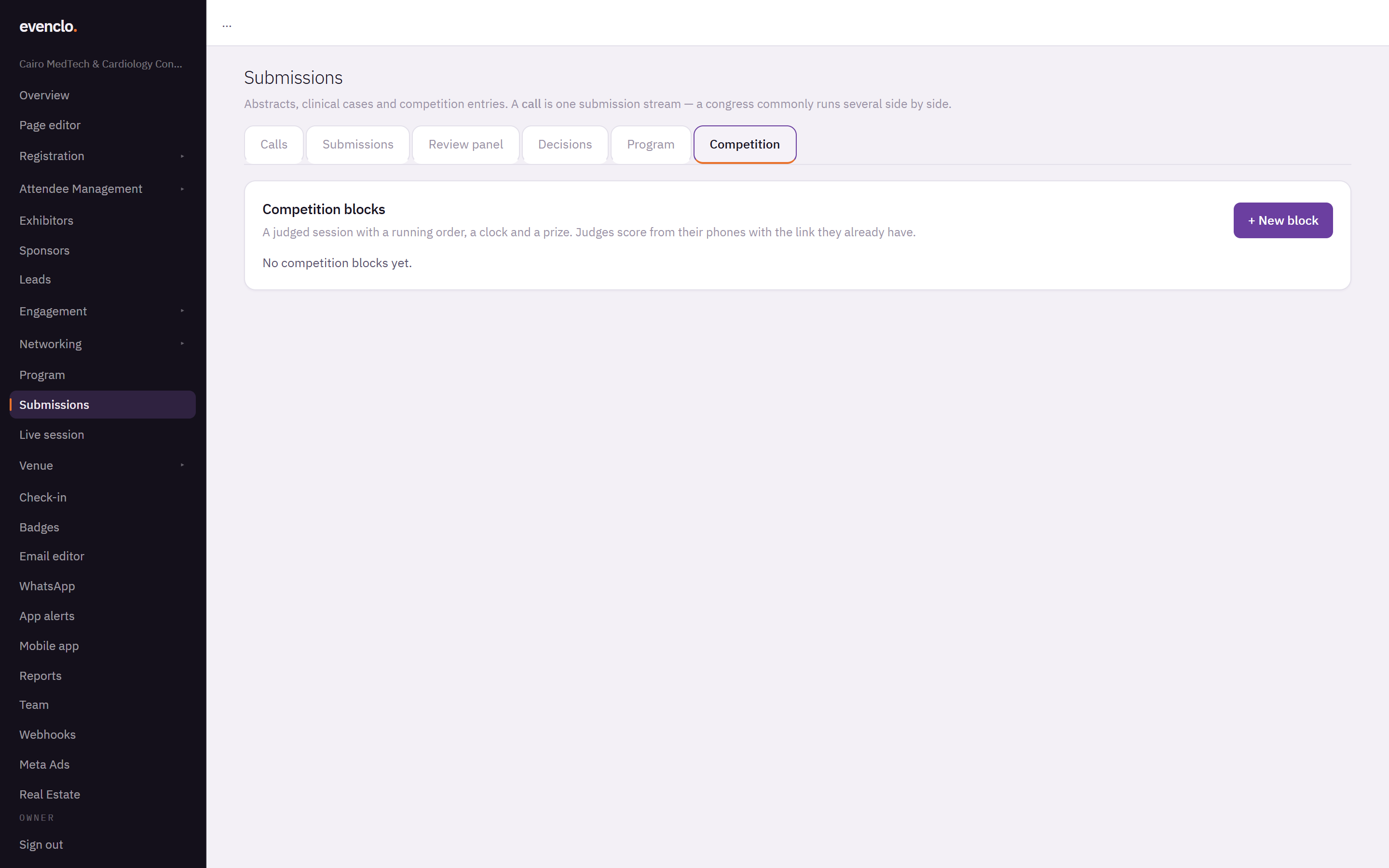
Competition tab with the button to add a new block
Judges are reviewers marked as judges for the event — send evenclo support the list. They use the same link they already have; there is nothing else to send them.
On the day
Press Start on each case as its presenter begins, and Stop when they finish. The countdown runs from that moment on every judge's phone at once, so all of them show the same time, and a phone that reconnects mid-talk lands on the right second.
Judges score on their phones. A score is saved on the phone first and sent when there is a connection, so a judge in a ballroom with poor Wi-Fi never loses a score. Sending it again later updates the same score; it never counts twice.
Judges do not see each other's scores while the block is running. A third judge who sees the first two scores tends to agree with them.
Results
The block shows each case's Score, the Spread between judges and its Place. For prizes, ties are broken — five prizes mean five envelopes — first on the most heavily weighted criterion, then on how closely the judges agreed.
Common problems
A judge sees no block. They are not marked as a judge for this event. Contact evenclo support.
A slot cannot be moved. It has already started. Only cases that have not presented can be reordered.
What happens next
more in abstracts & submissions
- Open a call for abstracts or casesCreate a call, pick a form preset, set the deadline, blinding, fee and who may submit, and publish the form.
- Review submissionsAdd reviewers, check for conflicts, let the allocator assign submissions, follow progress and read the scores.
- Decide and notify authorsRecord the committee's decisions, send the letters when you are ready, run a second round for revisions, and publish the posters and the book of abstracts.
- Put accepted work on the programmeTurn every accepted submission into a session and a speaker in one press, and make sure every presenter registers.