Help center / Networking & meetings
Turn on networking and chat
Publish the delegate directory in the app so attendees can find each other, connect and chat.
Networking adds a People tab to the evenclo app. Attendees see who they should meet, can search for each other, send a connection request, and chat once it is accepted.
Steps
- Open Networking → Chat.
- Switch on Turn networking on.
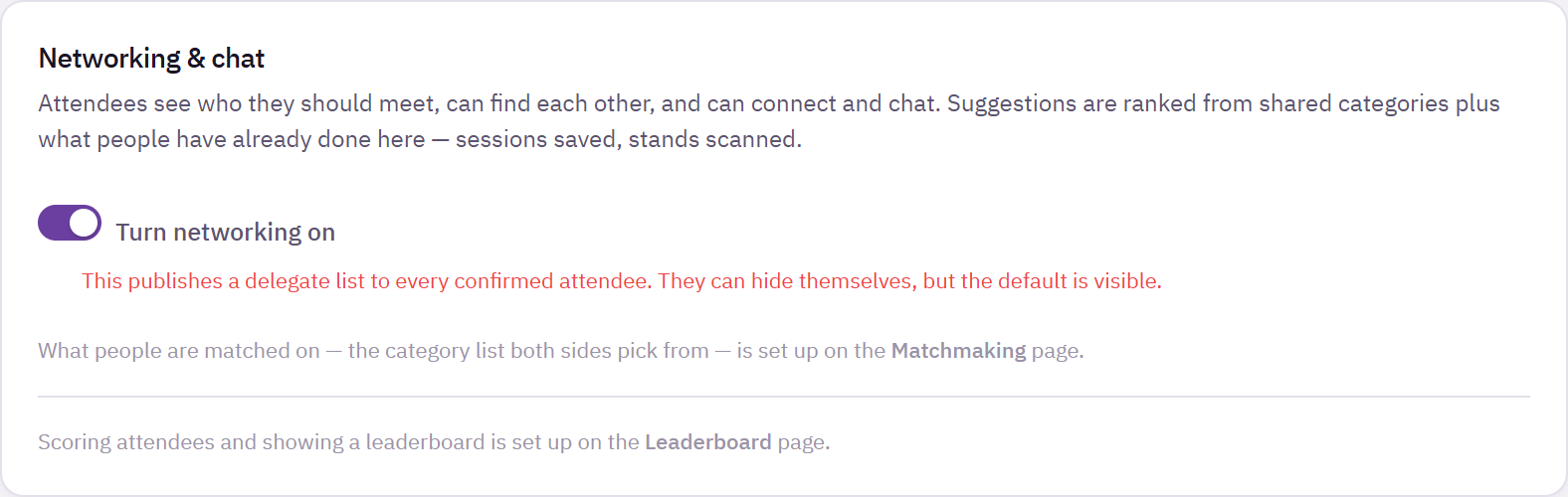
Networking and chat page with the switch to turn networking on
Turning this on publishes a delegate list to every confirmed attendee. Attendees can hide themselves, but the default is visible. Decide this once, knowingly, and say so in your registration confirmation.
How connecting works
- An attendee sends a connection request. The other person gets a notification and an email.
- Once they accept, the two can chat in the app. There is no way to message someone you are not connected to.
- Each pair can only ever have one request between them, so a request cannot be used to spam someone.
- Chat messages send a notification only, not an email.
Attendees can also connect by scanning each other's badge in the app.
Two separate privacy choices
Attendees control two things independently:
- Hide me from the directory removes them from the People tab and from the leaderboard.
- Do not book me for meetings stops 1:1 bookings.
Switching meetings off does not hide someone from the directory, and hiding from the directory does not stop meetings.
Where the rest lives
- What people are matched on is set on the Matchmaking page.
- Scoring attendees is set on the Leaderboard page.
Common problems
An attendee cannot find someone. That person hid themselves from the directory, or is not confirmed yet.
A connection request "did nothing". The other person has not accepted it yet. Chat opens only after they do.
What happens next
more in networking & meetings
- Run 1:1 meetings between attendees and standsLet attendees and exhibitors set their availability and book each other, decide who may book whom, and schedule meetings yourself.
- Suggest who people should meetSet up the shared list of interests, fill gaps with AI, tune the weights, and preview what one attendee will be shown.