Help center / Abstracts & submissions
Put accepted work on the programme
Turn every accepted submission into a session and a speaker in one press, and make sure every presenter registers.
Getting from "accepted" to a presenter standing in a room with a badge usually takes weeks of spreadsheets. Publish to the programme does it in one press.
Publish
- Open Submissions and go to the Program tab.
- Set Presenters must register by and a Default room.
- Press Preview to see what will be created, then Publish.
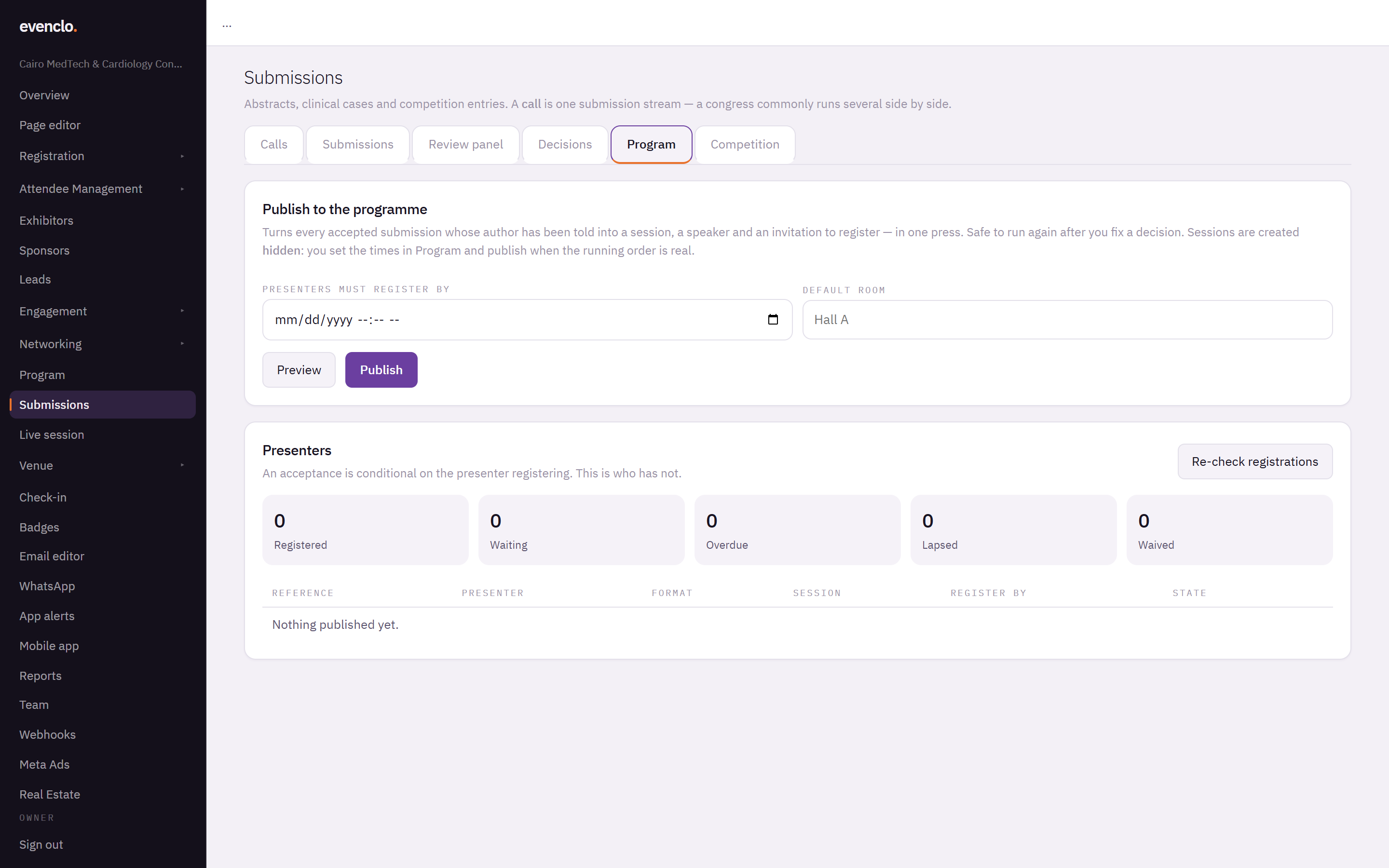
Program tab with the publish panel and the list of presenters still to register
For every accepted submission whose author has been notified, evenclo creates:
- a session on your programme, hidden for now;
- a speaker for the presenting author — someone presenting two abstracts is one speaker;
- an invitation to register as a Presenter.
Sessions are created hidden. Set their times and rooms on the Program page, and show them when the running order is final.
It is safe to run again. If you change a decision and publish again, only what changed is updated, and nothing you set by hand is overwritten.
Presenters who have not registered
An acceptance is conditional on the presenter registering. Presenters lists everyone who has not, with their deadline and state. Press Re-check registrations after a batch of sign-ups.
Nobody is dropped automatically when the deadline passes. A professor's accepted case is not removed at midnight by a timer; follow up with them directly.
Common problems
A submission did not appear on the programme. Its author has not been sent their decision letter yet. Publishing only includes authors who have been told.
The new sessions are not on the agenda. They are hidden. Show them on the Program page once their times are set.
What happens next
more in abstracts & submissions
- Open a call for abstracts or casesCreate a call, pick a form preset, set the deadline, blinding, fee and who may submit, and publish the form.
- Review submissionsAdd reviewers, check for conflicts, let the allocator assign submissions, follow progress and read the scores.
- Decide and notify authorsRecord the committee's decisions, send the letters when you are ready, run a second round for revisions, and publish the posters and the book of abstracts.
- Run a judged case competitionSet a running order, let judges score each presentation from their phones with a shared clock, and rank the prize winners.